When a logistics coordinator sits down to think through a cargo charter requirement, the tools available to them were not built for that job. Online flight search engines show commercial schedules. Technical mapping tools like Great Circle Mapper display geodesic routes without any charter context. Aviation databases are built for specialists who already know what they are looking for.
The person trying to work out whether a cargo charter from Amsterdam to Almaty is operationally feasible, what aircraft might fit the payload, and where a fuel stop would likely fall has no natural place to start. They call a broker. Or they guess. Or they do both.
That is the problem a charter planning tool exists to solve.
What existing tools do well, and where they stop
Great Circle Mapper is genuinely useful. It draws accurate geodesic routes between any two airports in the world and shows the distance in nautical miles. For a pilot or a dispatcher, that is valuable data. For a logistics coordinator trying to understand the planning picture before an RFQ, it is a starting point without a context layer.
Commercial flight search tools do the opposite. They bring context, but it is the wrong context. Available seats, baggage allowances, and connection times are not relevant to a cargo charter enquiry. The search results are built around scheduled commercial operations, not the aircraft-type-first logic of a charter movement.
Neither tool was built for the person forming a charter requirement. Both are answers to a different question.
The specific job a charter planner is trying to do
The job is not to find the optimal route. It is to arrive at the broker conversation with a clear enough picture to get an accurate response.
That means understanding the rough operational shape of the movement: which aircraft category fits the distance and payload, where a fuel stop might be needed, whether the route passes through any airspace that adds complexity, and how the route looks visually when presented to a stakeholder or included in an internal brief.
A logistics coordinator issuing an RFQ does not need a certified routing calculation. They need a planning framework that helps them think the problem through before they commit to a procurement process. An executive assistant arranging a multi-city trip does not need a flight database. They need a way to visualise the itinerary and confirm it is operationally sensible before presenting it to a senior stakeholder.
That is a specific job. It requires a specific tool.
What that tool needs to do
A charter planning tool built for the early stage of an enquiry needs to do several things that general mapping tools do not.
It needs to start with aircraft type, not with the route. Charter planning is aircraft-type-first. The question is not "which route is shortest" but "which aircraft category fits this operation, and what does the route look like for that aircraft."
It needs to indicate where fuel stops are likely. A displayed route that does not reflect the operational reality of range and payload is not useful for planning purposes. A planning tool should give enough contextual information to make the fuel stop question visible, even if it cannot answer it definitively.
It needs to work visually. The people using a charter planning tool are often preparing internal presentations, attaching information to an enquiry, or presenting options to a stakeholder. A downloadable route map that looks professional and communicates clearly is a practical deliverable, not a cosmetic feature.
It needs to connect naturally to the broker conversation. The tool's job is to hand off. A planning session that ends with no clear way to take the next step is an incomplete experience.
What FliteMapper was built to be
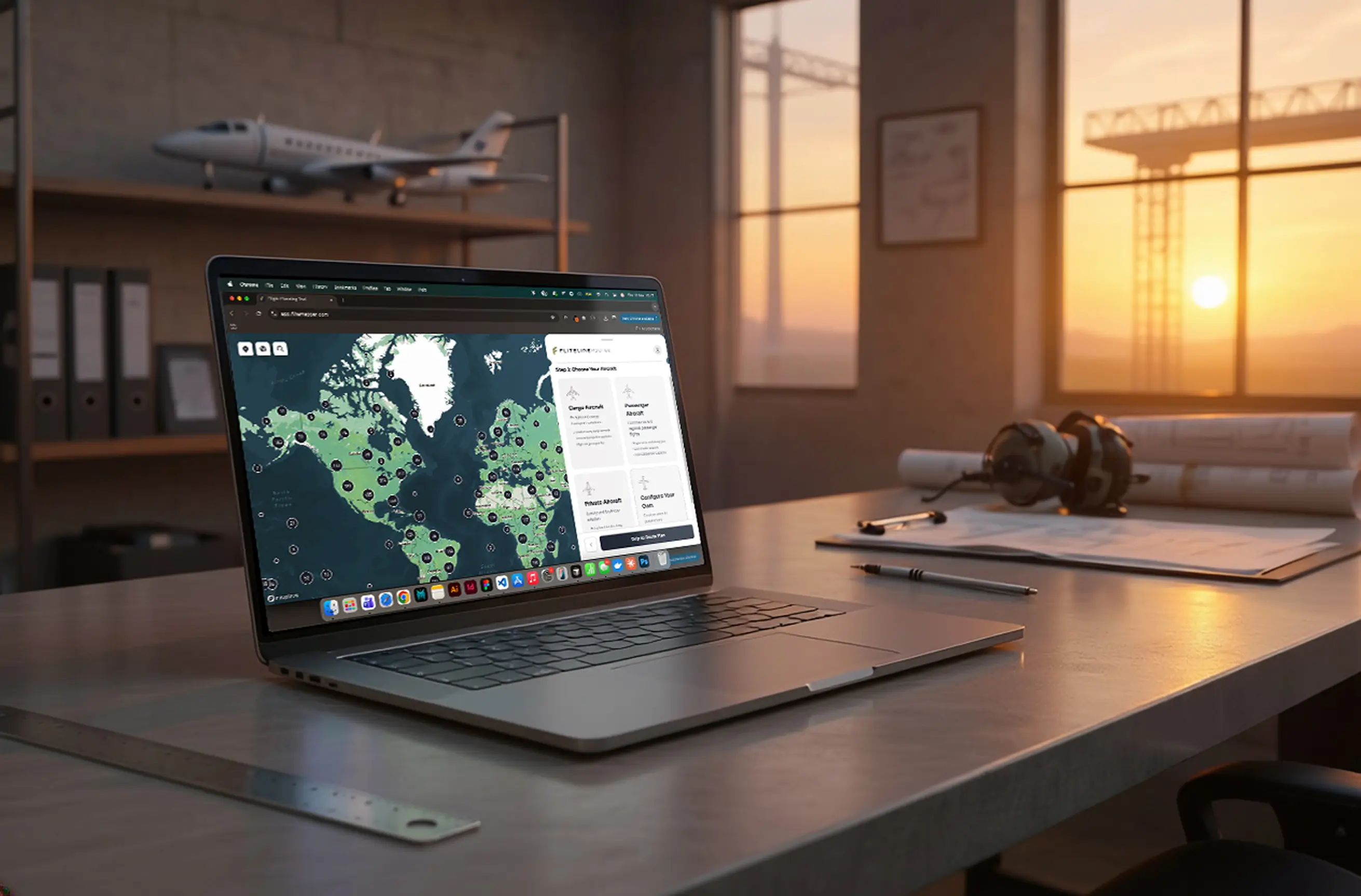
FliteMapper was built by Fliteline to serve the planning stage of a charter enquiry. It is not a flight booking tool. It is not a routing database. It is a visual thinking aid for the person who needs to understand a charter requirement well enough to brief a broker accurately.
You can start by selecting an aircraft type, map a multi-leg route, see where fuel stops are likely to be needed, and download a route summary to share or include in a brief. It does not give you a definitive answer on any of those questions. It gives you enough of a picture to ask the right questions when you get to the conversation.
That is the gap it was built to fill. And it is the gap no other tool in the market is currently built for.
Try FliteMapper at app.flitemapper.com
Frequently asked questions
Is FliteMapper a booking tool?
No. FliteMapper is a planning aid for the early stage of a charter enquiry. It helps you visualise routes, understand approximate fuel stop requirements, and build a clearer picture of the operation before you speak to a broker. Booking and quoting happen through a separate conversation with the Fliteline team.
How accurate is the route data in FliteMapper?
FliteMapper provides indicative route information useful for planning decisions, not certified aviation routing data. Distances and fuel stop indicators are approximate. The tool is designed to help you think through the operational shape of a movement, not to produce figures for operational flight planning.
Who is FliteMapper built for?
FliteMapper is useful for anyone who needs to understand a charter requirement before they are ready to enquire. That includes logistics coordinators thinking through cargo movements, executive assistants planning executive travel, and event planners working out whether a group movement is feasible.
Does FliteMapper require a login or account?
No. FliteMapper is free to use and does not require registration. You can plan a route, download a PDF, and send it directly to Fliteline without creating an account.
Get in touch with any questions about your air charter needs